A teacher tells her class that their presentations are too long and their slides too cluttered. She asks them to cut each slide by half. Most students read through their bullets, decide that each one is necessary, and remove the item that seems most optional. The slides get slightly shorter. They do not get clearer. The problem is not length. It is that the students do not have a standard for what “necessary” means.
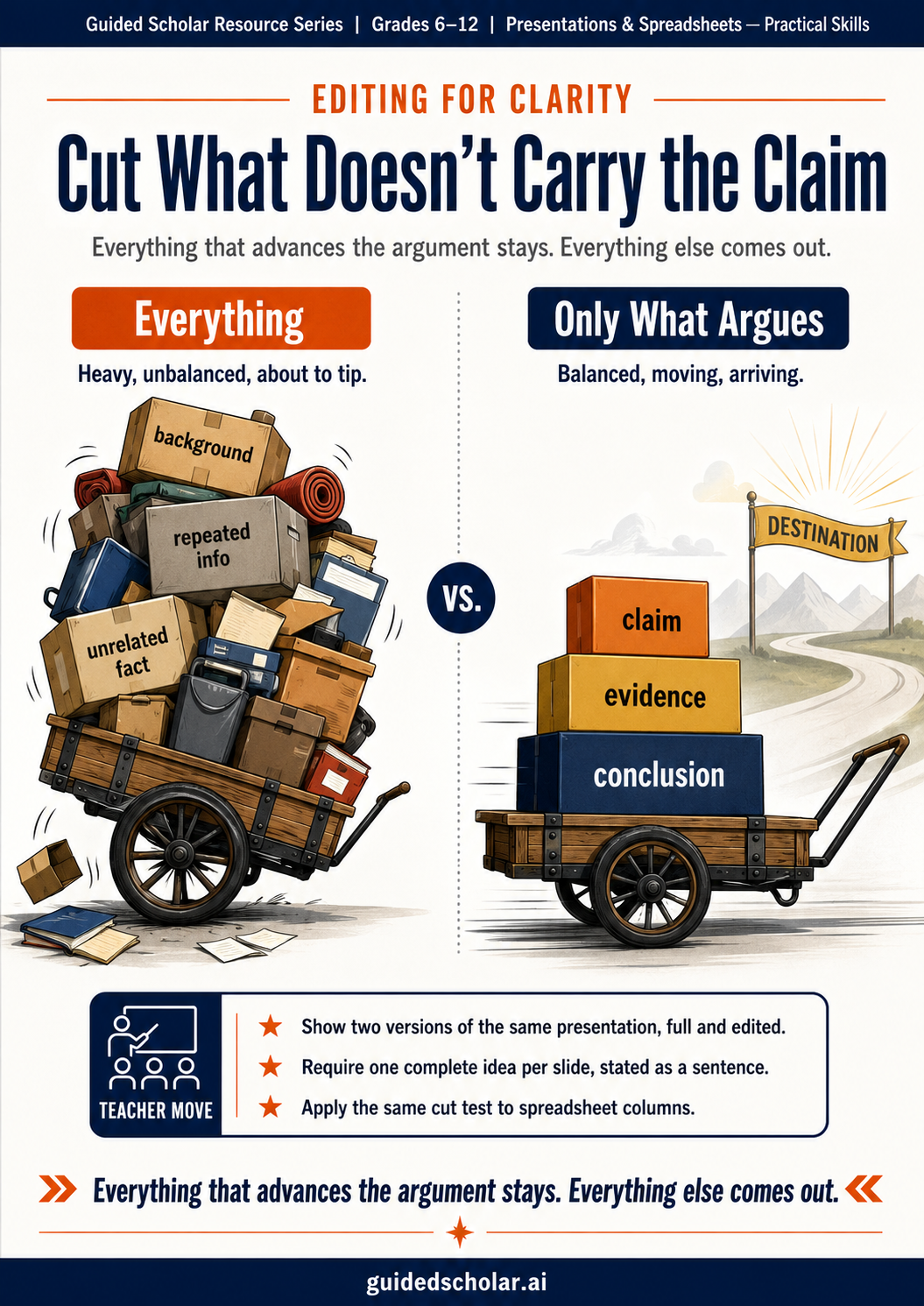
The editing standard that produces clear presentations and spreadsheets is not word count. It is whether each element advances the argument. Everything that advances the argument stays. Everything that does not comes out, regardless of how accurate it is, how much effort it took to include, or how interesting it is on its own.
The One-Idea-Per-Slide Principle
The most reliable clarity standard for presentation slides is one idea per slide. Not one topic. Not one section. One complete idea, stated in one sentence, with one piece of supporting evidence.
This conflicts with how most students use slides. They use each slide as a container for all the information relevant to a topic, which can legitimately produce six bullets covering six dimensions of one subject. All six items relate to the topic. None of them states the one idea the audience needs to take away from this point in the argument.
Topic-organized (one slide): Environmental Effects of Plastic Waste • Ocean pollution • Wildlife mortality • Microplastic ingestion • Soil contamination • Recycling inefficiency • Legislative history
Argument-organized (six slides, each one sentence): Plastic waste in the ocean now exceeds 150 million metric tons. / Microplastics have been found in 77% of tested human blood samples. / Existing programs recover less than 9% of all plastic produced.
The argument-organized version is longer as a presentation. Each claim is specific, supportable with evidence, and arguable. The original version is a reading list.
What to Cut from a Cluttered Slide
Background information the audience already knows is the first category. A presentation on plastic pollution for a high school audience does not need a slide explaining what plastic is. A presentation on climate change does not need a slide on the greenhouse effect. This content exists because the student wants to demonstrate knowledge. It does not advance the argument.
Facts that relate to the topic but not to the specific claim are the second category. If a student is arguing for a specific policy intervention, the historical development of the problem belongs on a slide only if that history directly supports the policy argument. If the student cannot explain in one sentence why a fact is necessary for the audience to accept the claim, that fact is probably clutter.
Repeated information is the third. The most common form of repetition is a conclusion slide that summarizes what was already said. A conclusion that restates is not a conclusion. A conclusion that answers “so what?” is. If the argument was made well across the body slides, the conclusion’s job is synthesis, not summary.
The Same Standard Applied to Spreadsheets
The editing standard for spreadsheets is identical: does this column, row, or sheet advance the argument the analysis is making? A spreadsheet built to analyze lunch waste by weekday does not need columns for individual server names, monthly averages, or nutritional content unless those columns directly support the claim.
The spreadsheet equivalent of a cluttered slide is thirty columns when the argument depends on three. The reader must scan all thirty to find the relevant ones. A clean submission presents the data the argument depends on, clearly labeled, with irrelevant columns either removed or moved to a separate reference sheet. The principle is the same as the one-idea-per-slide rule: the work presents what the argument needs and nothing more.
Why Students Resist Cutting
Students resist cutting from presentations and spreadsheets for the same reason they resist cutting from essays: they equate volume with quality. A slide with six bullets looks more complete than a slide with one sentence. A spreadsheet with thirty columns looks more thorough than one with five. The volume-quality association is reinforced by assignments that reward coverage — rubrics that assess whether information was included rather than whether it was necessary.
The instruction that changes this is concrete. Telling students to “cut what is unnecessary” produces minimal cutting because students believe everything is necessary. Showing them two versions of the same presentation — one with all gathered information, one with only what advances the argument — and asking which is more persuasive, provides a standard students can apply to their own work.
What This Looks Like in Guided Scholar
Guided Scholar’s Teach Me mode for presentation and spreadsheet assignments asks, as part of the feedback cycle: how does this section or column support the overall argument? When a section includes information that does not connect to the claim, the feedback makes the gap explicit. If the student cannot answer the question in revision, the section is a candidate for removal. The teacher sees the original submission and the revised version side by side, which makes the editing decision visible as an instructional event rather than a private production choice.
The Through Line
Clarity is produced by editing, not by initial construction. Most first drafts of student presentations and spreadsheets include everything the student gathered. Most of it is accurate. Much of it is not necessary. The standard for necessity is not accuracy or effort. It is whether the element advances the argument. Students who have been taught that standard have a tool for editing their own work. Students who have not been taught it wait for a teacher to tell them what to cut, which is both a slower process and a less transferable one.
Sources referenced: Williams, R., The Non-Designer’s Design Book (Peachpit Press, 2004); Tufte, E., The Visual Display of Quantitative Information (Graphics Press, 2001); Atkinson, C., Beyond Bullet Points (Microsoft Press, 2007).